
To play Pet Life on iPhone Duo, open the game on either display. Closed, the room is upright on the outer display with the buttons down the right side. Open, the room is wide on the inner display, and Feed, Play and Talk open as panels beside it. Fold or unfold at any time and the game follows.
Hatch your pet
Open Pet Life on either display. Pick one of three eggs (you can listen to each for a hint first), tap Hatch, and give your kitten or puppy a name.
Closed: make the short visits
With iPhone Duo closed, your pet's room stands upright on the outer display. Your pets are at the top left, the need that most wants attention and your coins at the top right, and the buttons run down the right side: Feed, Play, Adventure, Talk and More. A breakfast or a clean-up takes less than a minute.
Open the phone for the room
Open iPhone Duo and the game moves to the inner display. The room is wide now, with the same buttons in a column at the right edge.
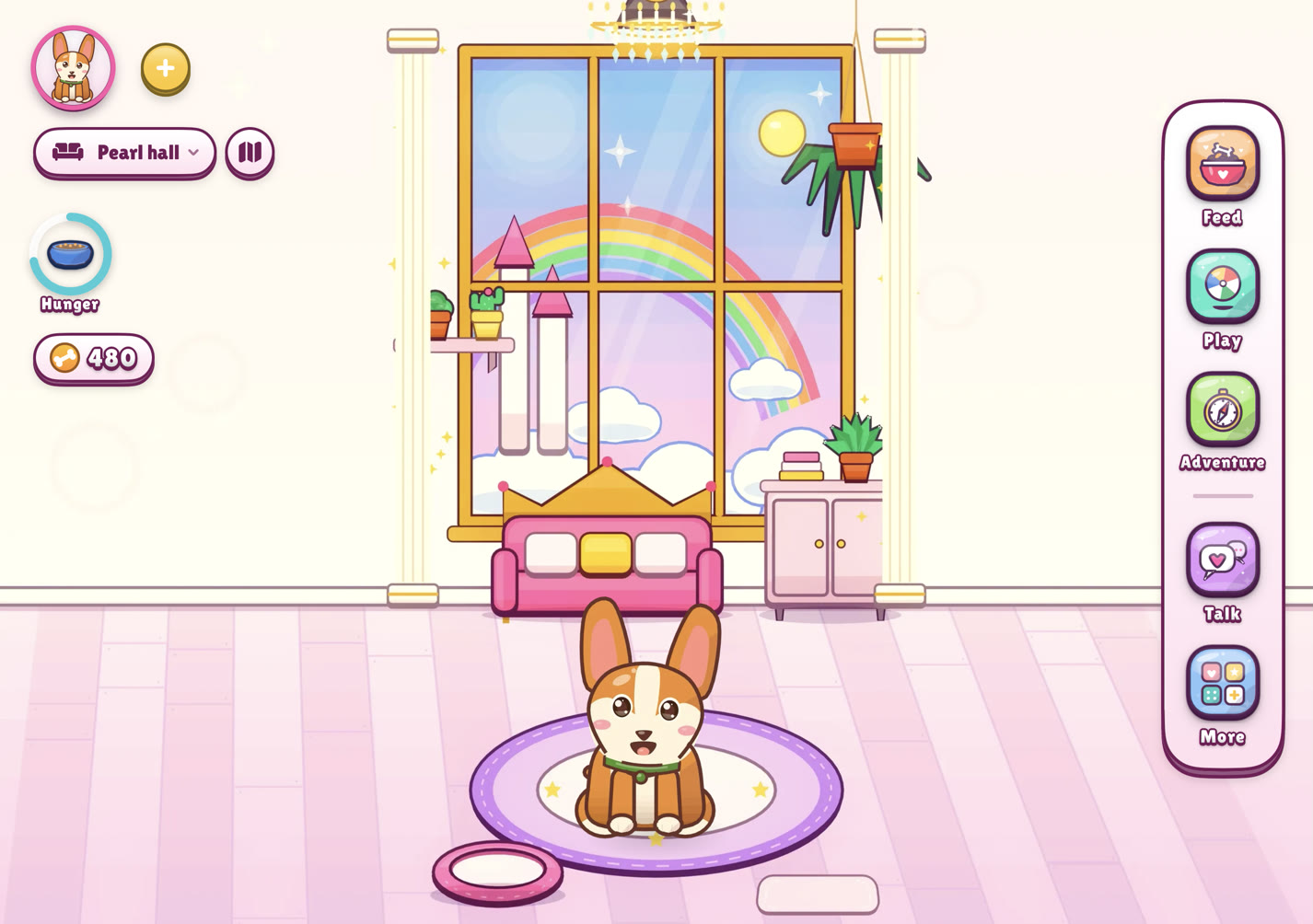
Open: the room is wide and the buttons stay at the right edge. Feed and play from a side panel
Tap Feed or Play. Instead of a sheet over the room, a panel opens down the right side. Choose a snack or a game on the floor and watch your pet while you choose.
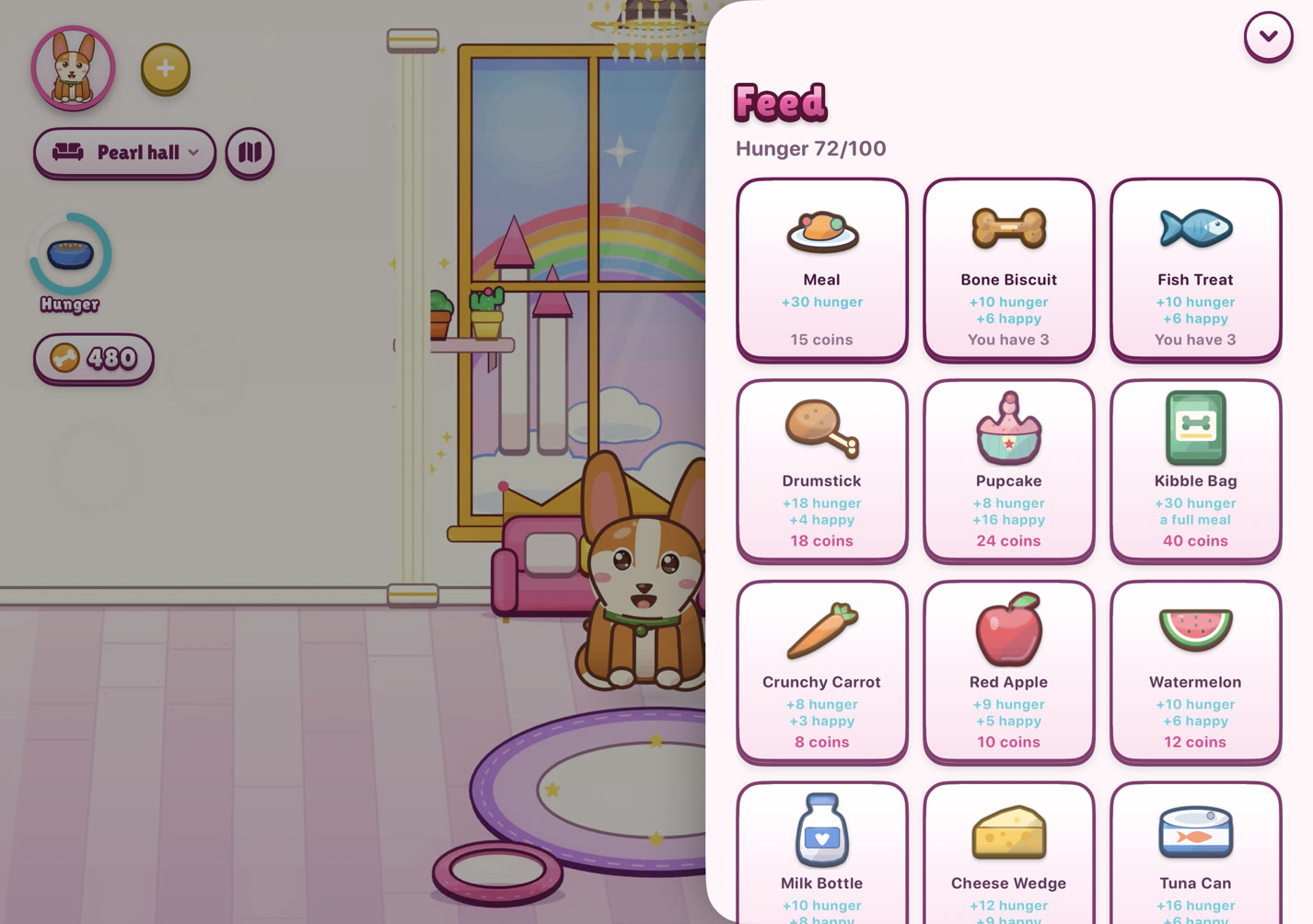
Feed opens beside the room. Talk to your pet
Tap Talk, or tap your pet's speech bubble. The chat opens down the right side with a few things to say. The keyboard stays down until you tap the text field, so the room stays in view.
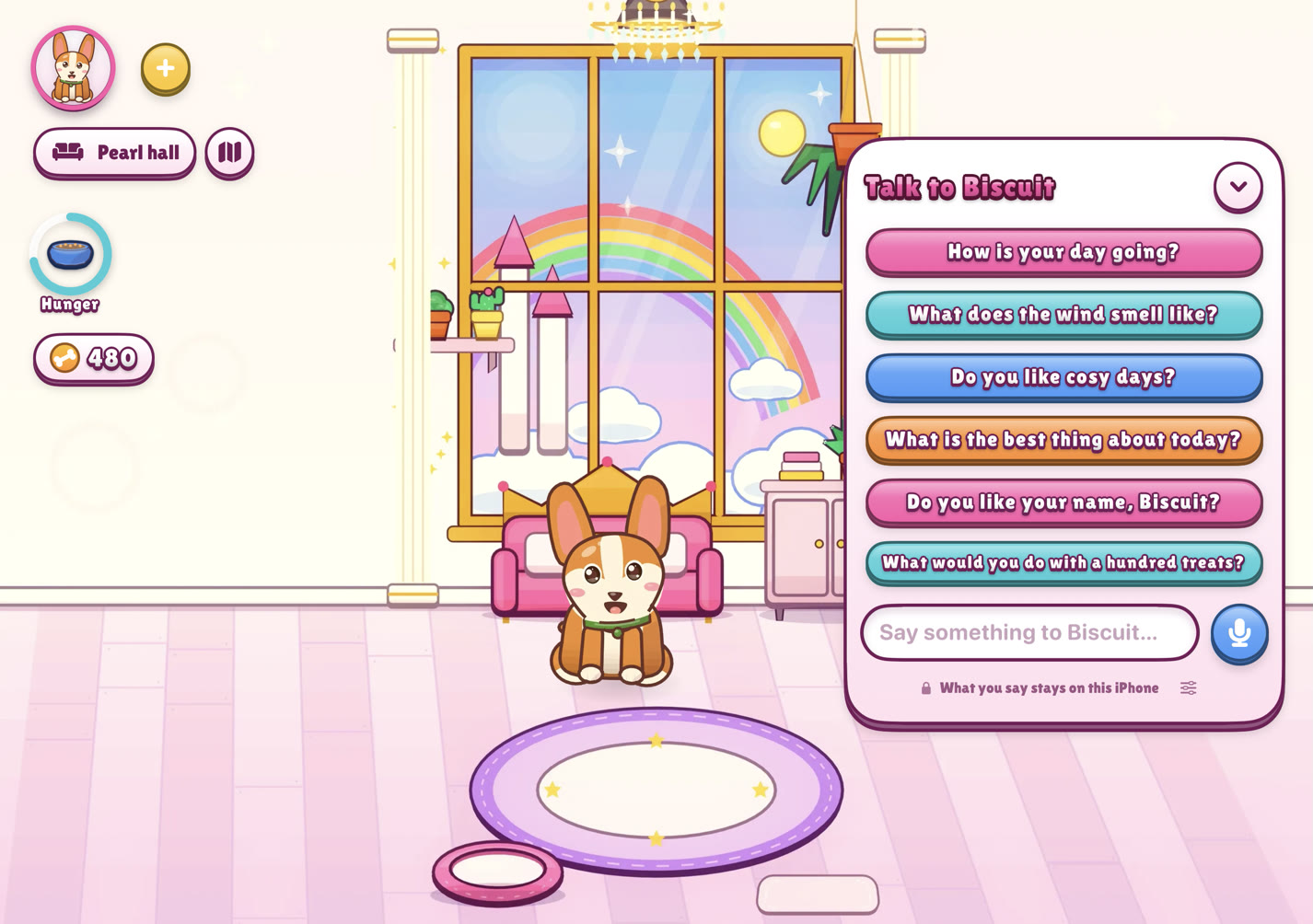
Talk opens beside the room. Play a mini game
Open Play and pick one of more than twenty mini games. Each round is 45 seconds. On the inner display the board fills the screen; steer with a drag, or tap.
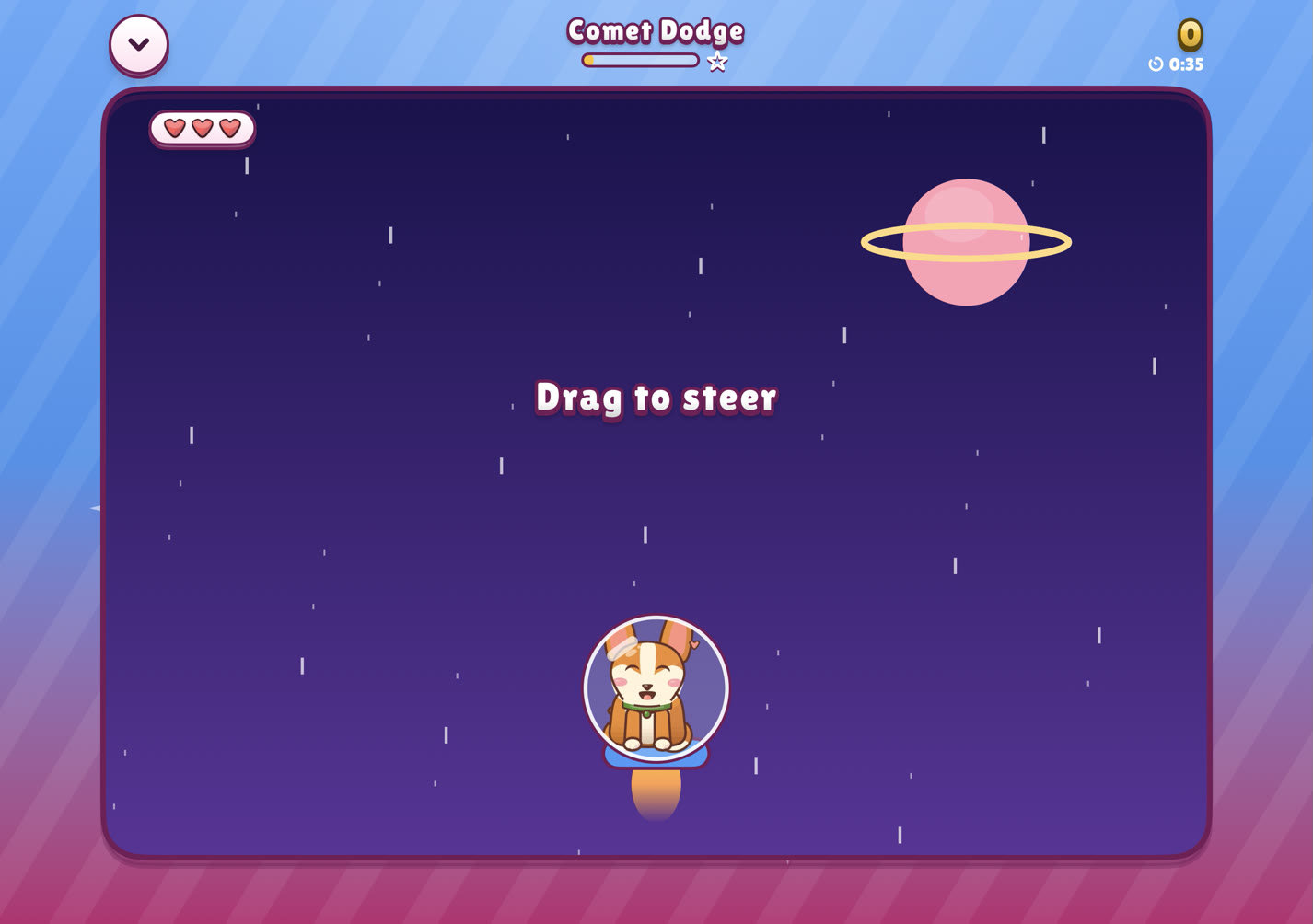
Comet Dodge on the inner display. Step into the Battle Arena
From Play, open the Battle Arena and pick a sparring partner, or invite a friend. The two pets face each other and your moves are in a row underneath.
Fold it and go
Close the phone whenever you like. Your pet keeps its own hours while you are away, and the game can send a quiet notification when it needs you.


Which display for what
| You want to | Use | Why |
|---|---|---|
| Feed, clean up or say good morning | Closed | One hand, a few taps, done. |
| Play a mini game | Open | The board fills the inner display. |
| Talk to your pet | Open | The chat sits beside the room, so you see your pet answer. |
| Read a story | Either | The story bar is along the bottom on both. |
| Battle a friend | Either | The arena is laid out the same way on both displays. |
For the full side-by-side, see Closed or open: Pet Life on each iPhone Duo display.
Questions people ask
Do I need to change a setting to use the inner display?
No. Pet Life chooses its layout from the display it is on. Open the phone and it uses the wide layout; close it and it uses the upright one.
Which way up does Pet Life play on the inner display?
On the open inner display the room is wider than it is tall, with the buttons in a column at the right edge.
Can I hatch more than one pet on iPhone Duo?
Yes. There is no limit to how many pets live at home. Your pets appear as portraits at the top left on both displays; tap one to bring it on screen.